From a small-business course on emergency planning. An archived deck: check it against the current standard before teaching from it.
Slide text
· 16 slides · by National Safety Council
The words on each slide as the author wrote them, read from the file by software so they can be searched. Layout, pictures and tables are not shown here: the slides above and the download are the original.
- Slide 1
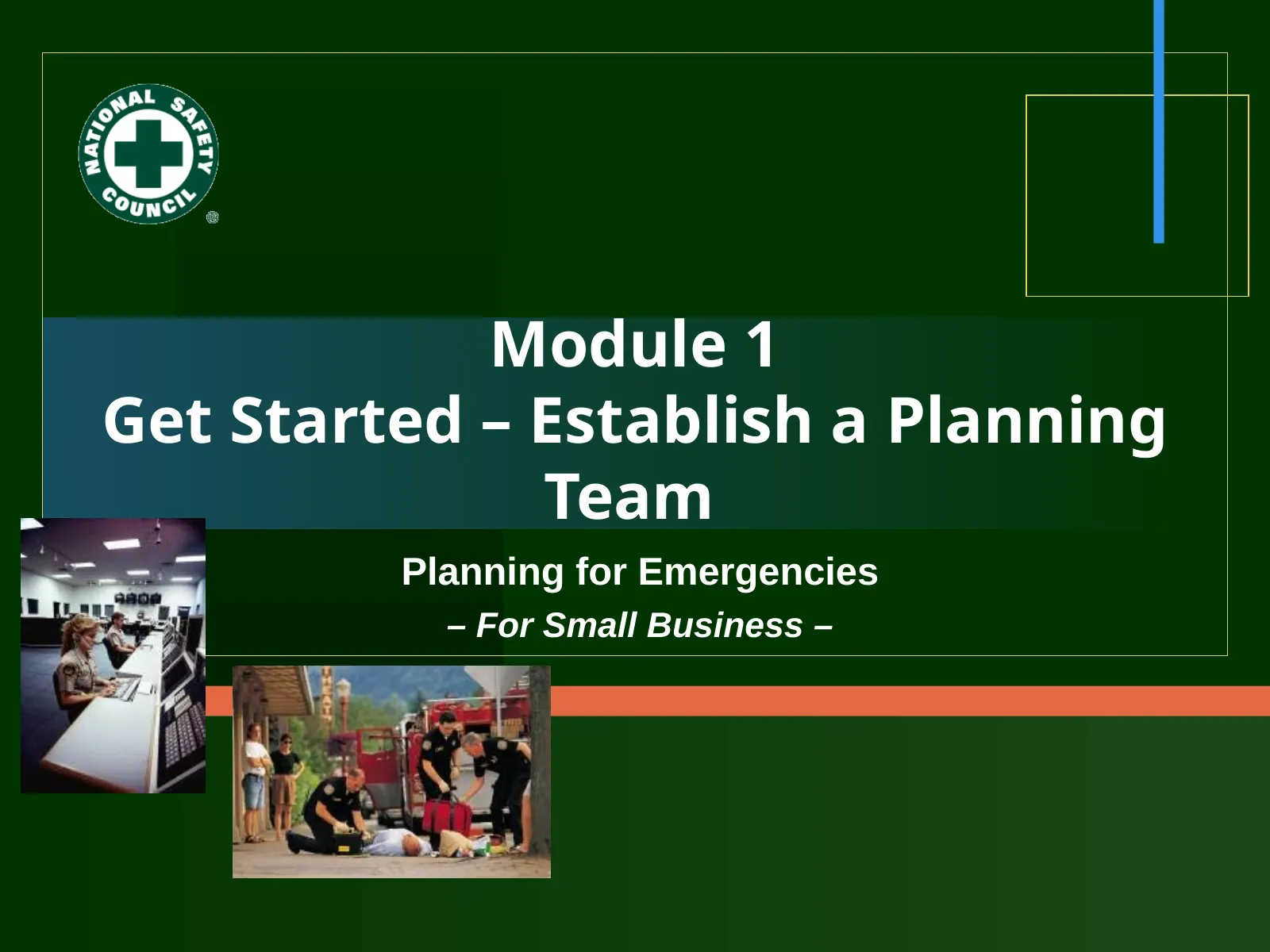
Module 1
- Get Started – Establish a Planning
- Team
- Planning for Emergencies
- For Small Business –
- Slide 2
Module 1 Objectives
- Describe value/benefits of a team approach.
- Create a list of potential team members (functional areas) to involve on a team.
- Recognize points in a mission statement, schedule, and budget.
- Demonstrate an understanding of Step 1 by responding to questions posed at critical decision points in a case study.
- Identify 2 actions related to Step 1 to implement at your workplace, as well as potential barriers.
- Slide 3
Step 1: The Emergency Planning Process
- Step 4
- Implement the Plan
- Step 3
- Develop the Plan
- Step 1
- Get Started –
- Establish a Planning Team
- Step 2
- Analyze
- Capabilities, Risks, &
- Vulnerabilities
- Slide 4
Your Internal Planning Team
- Why use a team approach for emergency planning? What are the value/benefits of a team approach?
- The objective of the emergency planning team is to prepare for an efficient and timely response during emergencies.
- Slide 5
Why Form the Planning Team?
- Encourages participation/investment.
- Increases creativity, knowledge, and experience to each phase of planning – broad perspective.
- Increases amount of time/energy participants able to give.
- Enhances visibility and stature of the planning process.
- Results in a team-developed plan,
- increasing success.
- Other reasons?
- Slide 6
Examples of Functional Roles/Responsibilities
- Damage Assessment
- Public Information
- Evacuation
- Search & Rescue
- Food & Shelter
- Security & Traffic
- Fire Suppression
- Hazardous Spills
- Health Services
- Personnel & Space
- Reassignments
- Supply & Procurement
- Transportation
- Utilities
- Documentation of Recovery Operations
- Slide 7
Functional Areas To Include
- Executive Management
- Operations Management
- Accounting (Payroll, Accounts Payable, Other)
- Labor
- Human Resources
- Information Technology
- Engineering &
- Maintenance/Facilities
- Safety, Health, &
- Environmental Affairs
- Public Information Officer/ Community Relations
- Communications/Media
- Relations
- Security
- Sales & Marketing
- Legal
- Finance & Purchasing
- Manufacturing
- Warehousing
- Other functions?
- Slide 8
Example of a Planning Team
- From the Emergency Management Guide for Business and Industry – A Step-by-Step Approach to Emergency Planning, Response and Recovery for Companies of All Sizes. FEMA 141/October 1993.
- Slide 9
Planning Team Members
- Ensure that planning team members:
- Are appointed in writing by upper management.
- Have their job descriptions reflect their emergency team assignment.
- Slide 10
Functions Represented in Your Business
- Which functions are represented in your business to involve in emergency planning? How will you ensure all functions are addressed?
- Slide 11
Examples of Planning Responsibilities
- Assigned to individuals or functional areas
- Specialized responsibilities
- Responsibilities of most/all team members
- Note on contact information
- Slide 12
Important Preliminary Steps
- Establish Authority
- Create & Issue a Mission Statement
- Establish a Schedule & Budget
- Manage Start-Up
- Slide 13
Emergency Plan Templates & Resources
- 1. Review a section(s) of an emergency plan template related to information in this module.
- 2. Identify additional internal and external resources that may help you complete section(s) of your plan upon return to your business.
- Slide 14
Case Study: Emergency Planning
- 1. Carefully read background information for the case study.
- 2. Break into small work groups with facilitator guidance.
- 3. In groups, discuss/answer the case study questions. Play the role of a consultant to the team. Take notes.
- 4. Share responses with the large group.
- Slide 15
One Is Not Enough Cookie Company (At- A-Glance)
- Industry: Food/Manufacturing
- Privately owned, makes sugar wafer cookies; operating over 50 yrs
- 200 employees
- Manufacturing site is one floor (single story)
- Offices on 2 floors in front of building
- Small retail shop in front
- In a suburb (25,000 people) w/access to local police, fire, LEPC, etc.
- Organization “flat”
- Slide 16
Activity: Priority Actions for Your Business
- 1. Identify 2 actions to take upon return to your business. Select from actions listed or come up with your own.
- 2. Identify potential barriers you might encounter in taking the actions.
- 3. List ideas for overcoming barriers you identified.