1 / 11Use ← → to flip
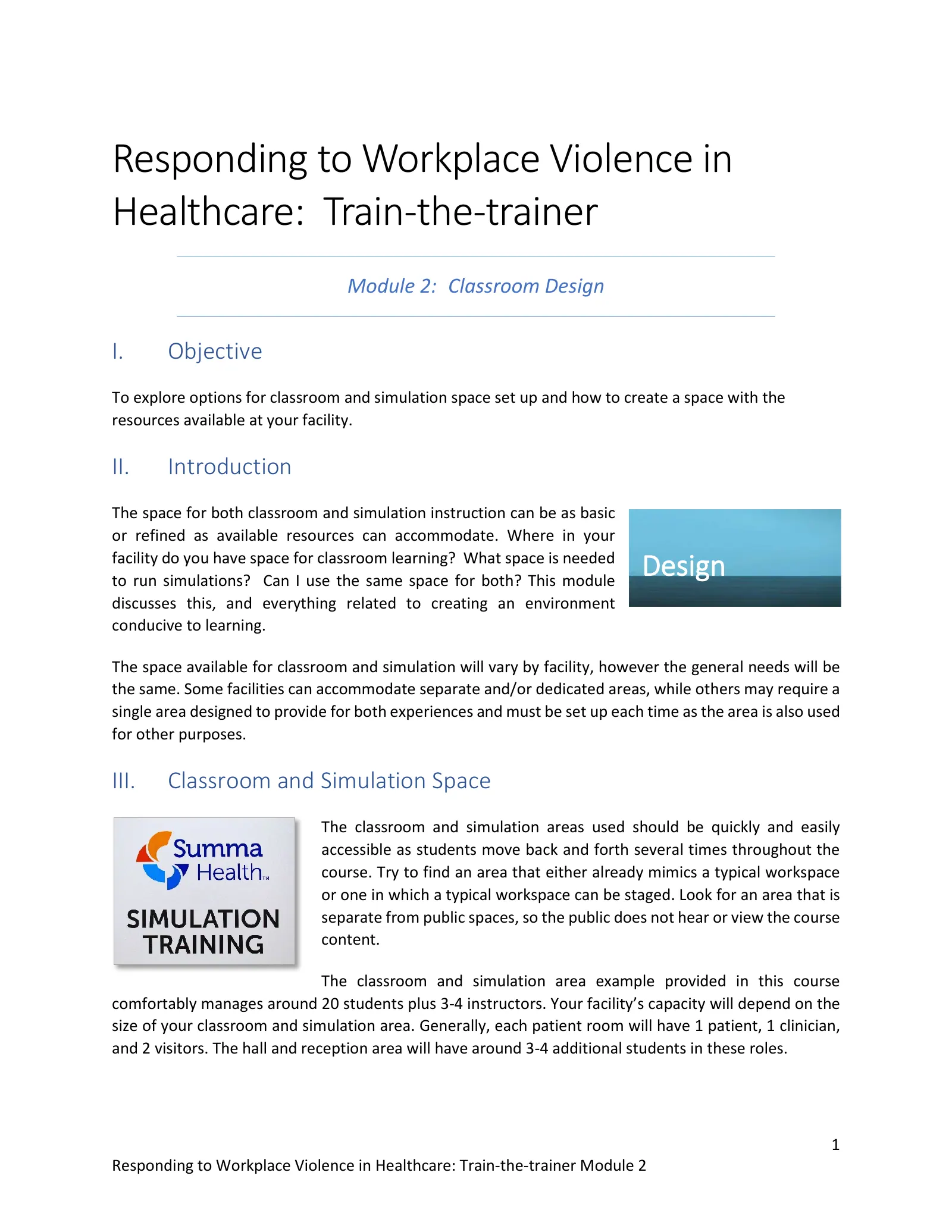
Responding to Workplace Violence: Train-the-Trainer Module 2: Classroom Design
Trainer manual chapter for the Responding to Workplace Violence course.
Page text
· 11 pages · by Summa Health
The words on each page as the author wrote them, read from the file by software so they can be searched. Layout, pictures and tables are not shown here: the pages above and the download are the original.
- Page 1
Responding to Workplace Violence in Healthcare: Train-the-trainer
- Module 2: Classroom Design
- I.
- Objective
- To explore options for classroom and simulation space set up and how to create a space with the resources available at your facility.
- II.
- Introduction
- The space for both classroom and simulation instruction can be as basic or refined as available resources can accommodate. Where in your facility do you have space for classroom learning? What space is needed to run simulations? Can I use the same space for both? This module discusses this, and everything related to creating an environment conducive to learning.
- Design
- The space available for classroom and simulation will vary by facility, however the general needs will be the same. Some facilities can accommodate separate and/or dedicated areas, while others may require a single area designed to provide for both experiences and must be set up each time as the area is also used for other purposes.
- III.
- Classroom and Simulation Space
- The classroom and simulation areas used should be quickly and easily accessible as students move back and forth several times throughout the course. Try to find an area that either already mimics a typical workspace or one in which a typical workspace can be staged. Look for an area that is separate from public spaces, so the public does not hear or view the course content.
- The classroom and simulation area example provided in this course comfortably manages around 20 students plus 3-4 instructors. Your facility’s capacity will depend on the size of your classroom and simulation area. Generally, each patient room will have 1 patient, 1 clinician, and 2 visitors. The hall and reception area will have around 3-4 additional students in these roles.
- Page 2
- Establishment of an elaborate simulation area can take many years. What is most important is that you provide the best classroom and simulation space you can with the resources you have available. Your end goal is creating the most realistic simulation environment possible with whatever limitations you encounter.
- A.
- Simulation Noise and Commotion
- Noise and commotion associated with class and simulations must be considered when selecting the course area. Loud noises, yelling, and simulated violence will be disturbing to those not involved in training.
- There is always a potential that the simulation could be mistaken for a real violent threat leading to alert calls to police or emergency services. If police arrive believing there is a violent situation, it could lead to a very dangerous situation. Therefore, selection of the location of training and effective mitigation of such risk is of critical importance.
- For example, you may have a hallway with patient rooms that are not currently in use. However, if this hallway is near an area with active patients, you would not want to hold class so close as the simulations would certainly be alarming for patients and visitors. In addition, while you may be confident in the instruction’s importance, alerting patients and visitors to the simulation and its purpose may also cause alarm.
- Alert the area and building staff prior to the scheduled time that the course and simulation will be held and what to expect. Inform via email or other message as appropriate for your facility. Post or send our reminders. “SIMULATION IN PROGRESS” signage should be placed strategically around the immediate area and other notable spaces to alert others as to the nature of the scenario.
- Alert the following where and when the training will be occurring:
- Facility police/security
- Local police, sheriff, or other public safety agency
- Occupants of the building where the simulations will be conducted Post “SIMULATION IN PROGRESS” signage the day of training
- Keep an open channel of communication with local police departments. They will be both interested in your training and appreciative of the forewarning you provide before each course.
- Page 3
- B.
- Classroom Area
- Your classroom space should be a welcoming environment that provides comfortable tables and chairs for each student. The classroom location should have convenient access to the simulation area as students will move between the two. This is important for time management and keeping students on task.
- Lecture
- The lecture portion of class is facilitated by a PowerPoint presentation. This presentation is also referenced during the hands-on defense portion of course, but not during the simulations.
- Required classroom set-up needs:
- Projector or other capacity to share the PowerPoint presentation
- Convenient access to simulation area
- Additional classroom set-up (if available):
- Ability to dim lighting for mini simulation during lecture
- Hands-on defense
- Most of the hands-on defense portion of class does not require a padded flooring, however, padding is desirable for teaching the Swarm Maneuver and the Hammer Fist. The Swarm Maneuver is an engagement tool in which the instructor (acting as the aggressor) teaches students one way to control an aggressor.
- Padding makes the training more comfortable for both the instructor and students. Thick, portable, folding mats are recommended and can be easily stored. Mats with Velcro edges stay together during instruction. Soft carpeting can work but is less comfortable.
- Page 4
- To provide students the opportunity to actually hit something, the Hammer Fist can be practiced on a large strike pad. To avoid injury, be sure to ask students to self-evaluate whether and how forcefully to strike the pad. The hands-on defense technique instruction can be taught in the classroom to permit referencing the PowerPoint as needed.
- Additional classroom set-up (if available):
- Floor padding/mats
- Strike pad(s)
- Classroom area also used for simulations
- While not a requirement, a separate or adjacent area for simulations is helpful in several ways including:
- It separates the violent scenario from the classroom lecture environment. Students leave personal belongings (e.g., coffee cups, coats, note pads) and are able to better focus on the situation at hand.
- It provides a respite or safe area where students can return to after some simulations which many students will find stressful. This allows students to settle back into a lower stress space, continue learning newly presented material, and integrate the experience into their knowledge base.
- It allows for a dedicated simulation space that can be set up to mimic the actual work environment thereby enhancing the simulation learning experience.
- Do not delay instruction if you do not have a separate simulation area at this time. The information provided in this course will guide you through options to help you tailor your available space.
- Page 5
- C.
- Simulation Area
- As mentioned, setting up the simulation area where the scenario can proceed without sensitivity to sound level is preferred, however it is not always possible. Keep this in mind moving forward in considering where in your facility such a space may exist. A vacant space or large empty room can be repurposed to replicate a similar environment for training purposes and is ideal. Establishment of a dedicated simulation area can take years. What is most important is that you provide the best simulation space possible with the resources you have available.
- Mimicking the work environment
- The simulation area should be set up to mimic the real-life work environment of the students. If the class is for administrative or office staff, the simulation area would have desks, cubicles, or other furniture similar to their work areas. If the students are healthcare workers, such as those working on patient floors, the simulation area should include a nurse’s station, patient rooms, and hallway similar to their work area.
- When the students include both office and floor employees, provide both environments by integrating the two while keeping the simulation area visually accessible to everyone. Your simulation area should be modeled after your clinical or office area, or you could make it generic as not all workspaces look the same.
- Page 6
A single, large, open room vs. unused office or patient areas
- A large, open room is an ideal area to stage your simulations. You can tailor the space, including the set and props, and either A) leave it as a dedicated simulation area, or B) take the set and props down and store when not in use. A large room could also include space for the classroom.
- If a large, open room is not available, unused patient rooms or office areas can serve as simulation space. However, use of “unused, real areas” has drawbacks.
- Consider the use of a vacant patient wing. In addition to the noise disturbance that may occur, students are cut off from the simulation experience when they do the right thing: barricade themselves in a room. It is difficult to hear what is happening in the hall and students do not gain the insight offered when able to see the entire scene play out. For this reason, creating a simulation area similar to the example below is preferred and can be completed at low cost. It allows students to be separated in a room and still be connected with what is happening in the surrounding areas.
- Establishment of a simulation area can take many years. What is most important is that you provide the best simulation and classroom space you can with the resources you have available.
- Mock clinical floor example
- This example uses a large room where the simulation area is set up across from the classroom. The space does offer an operable partition wall that can be used to separate the areas, but this is not required. Adjacent is a room used as the “control room”. In this example, one-way glass separates the rooms for viewing purposes, but is not required. While the example is shown set up as a clinical setting, with a little imagination and/or prop changes, the nurses’ station could be a reception area and patient rooms could be offices.
- Page 7
- General description: The area includes three patient rooms with working phones, hospital beds, bedside tables, over-bed tables, IV poles, wheelchairs, and additional medical equipment as props. While the phones are functional and beds can be rolled and wheels locked, the remaining items do not require proper function as they are used solely to create the feel of a clinical space. All medical equipment is labeled “NOT FOR PATIENT USE”.
- Walls: The “half-walls” are constructed from the same corrugated cardboard used by the construction department when setting up model clinical space for a building project. These walls are four (4) feet tall to provide the feeling of being in a separate room while permitting all students to see and hear what is happening in other areas during the simulation.
- Page 8
- Doors: The doors are hollow-core and constructed on a metal frame to allow for portability. They do not lock, just as patient room doors do not lock. The door’s center wood area is reinforced to better withstand the damage from simulated aggressor’s pounding.
- Page 9
- Reception: The nurses’ station or reception desk (clinic setting) is a simple table covered with a sheet and includes an old computer monitor and keyboard. A telephone is positioned here as well as in each of the “patient rooms”.
- Telephones: The area is enhanced with functioning telephones for students to make phone calls. Older phones were acquired and installed in a closed system within the simulation area. These phones only function within the simulation area. The phones are programed to ring the “control room” when dialing “0”. An “operator” (another instructor) fields the calls, makes the overhead announcements per facility procedure, and alerts appropriate responders providing the information given by students.
- Page 10
- NOTE: Telephone communications professionals can be consulted to install the telephone system. If this is not yet an option for your simulation area, ensure that mock phones are not connected to any outside phone line.
- Overhead Paging: The overhead paging system is simulated using radios or walkie-talkies. The “operator” uses a radio handset to make the overhead paging announcements. Additional handsets are positioned within the simulation clinical space serve as the over-head speaker system. Use of codes or other language that mimics the facility is important in the training exercise.
- Signage: “SIMULATION IN PROGRESS” signs are placed in the hallways leading to the simulation area to provide notice and warning of the simulated activities taking place.
- IV.
- Moving Forward into your Facility’s Available Space
- As previously mentioned, establishment of a classroom and simulation area can take time. What is most important is to provide the best space you can with the resources you have available.
- Page 11
V.
- A.
- Materials Recommended:
- Tables and chairs
- Projector and screen (or white wall)
- Floor padding (optional)
- Strike pad(s) (optional)
- Classroom
- Simulation Area
- Table and chair(s) (nurses’ station/reception)
- Phones or alternative means for participants to “call” for help Walls and Doors
- Rooms with telephone and either beds and chairs (patient) or table/desk and chair (office)
- Realistic looking, fake/plastic handgun
- IV pole or another similar item to hold as a weapon
- Miscellaneous workplace appropriate props
- Walkie-talkie or alternative means for overhead paging
- Next Up: Trauma-Informed Approach
- Module 3 discusses how to minimize the potential of the course to cause trauma to students resulting from their participation. As an instructor, you will not likely know of any trauma history or what may trigger a traumatic response in a student. Inherent in this course is both discussion and simulation of violence. While the simulations are designed to cause stress in students, they can also cause trauma. There are three (3) mitigation strategies built into the course’s instruction to minimize the potential for trauma.
- Next up . . .
- This material was produced under grant number SH-05150-SH9 awarded to Summa Health from the Occupational Safety and Health Administration, U.S. Department of Labor. It does not necessarily reflect the views or policies of the U.S. Department of Labor, nor does mention of trade names, commercial products, or organizations imply endorsement by the U.S. Government.
More on Workplace Violence
pdf
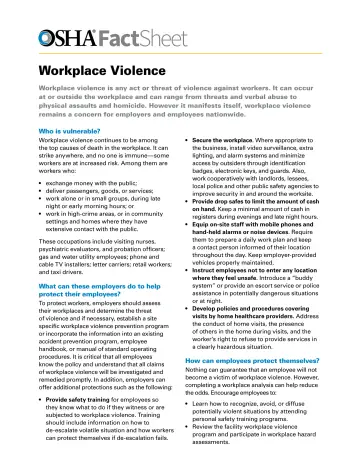
2 slidesWorkplace Violence Fact Sheet (OSHA FS-3509)
OSHA fact sheet or bulletin, for General Industry classes.
U.S. Department of Labor, OSHAPublic domain
pdfes
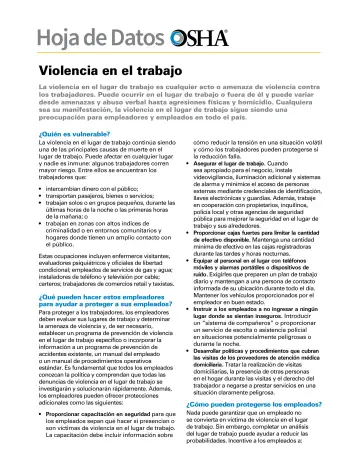
2 slidesWorkplace Violence Fact Sheet (OSHA FS-3524) (en español)
OSHA fact sheet or bulletin, in Spanish, for General Industry classes.
U.S. Department of Labor, OSHAPublic domain
pdf
60 slidesWorkplace Violence: Guidelines for Preventing Workplace Violence for Healthcare and Social Service Workers (OSHA 3148)
OSHA booklet, for General Industry classes.
U.S. Department of Labor, OSHAPublic domain